Enroll in your first Modern States course and begin earning college credit for free — step by step
5 min read · Get enrolled and into your first course
Modern States offers free, self-paced college-level courses designed to help you prepare for CLEP exams and earn college credit — at no cost.
This guide walks you through exactly how to get started, from creating your account to opening your first course. Each step builds on the last, and you can complete them at your own pace.
In this guide
Create a free Modern States account
Log in to the Learning Management System sometimes referred to as an LMS
Find and enroll in a course
Open and return to your course
Navigate your course homepage
Get help whenever you need it
1. Create your free account
To begin, you’ll create a free Modern States account.
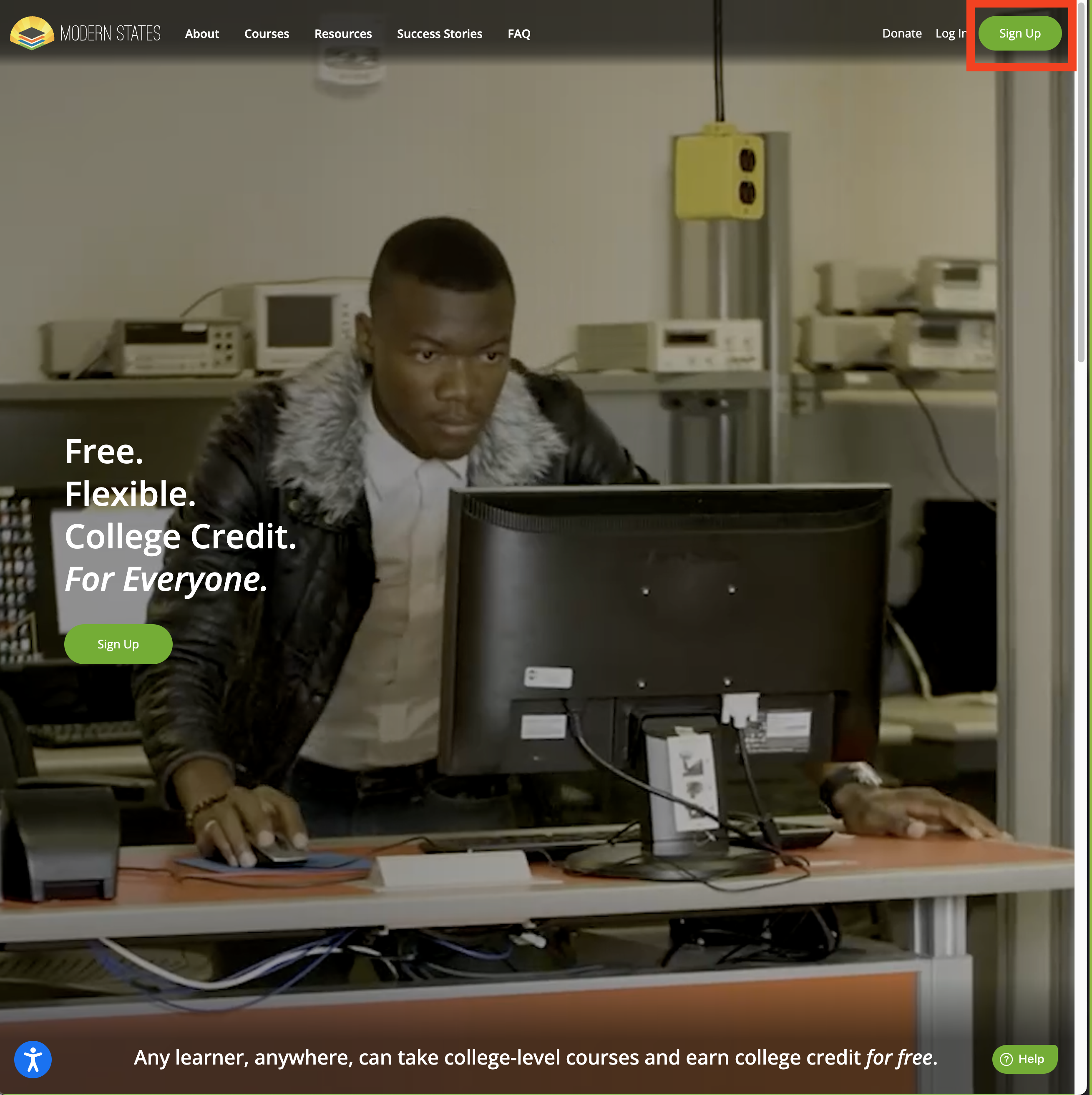
Open a web browser and go to modernstates.org
Click Sign Up in the top-right corner
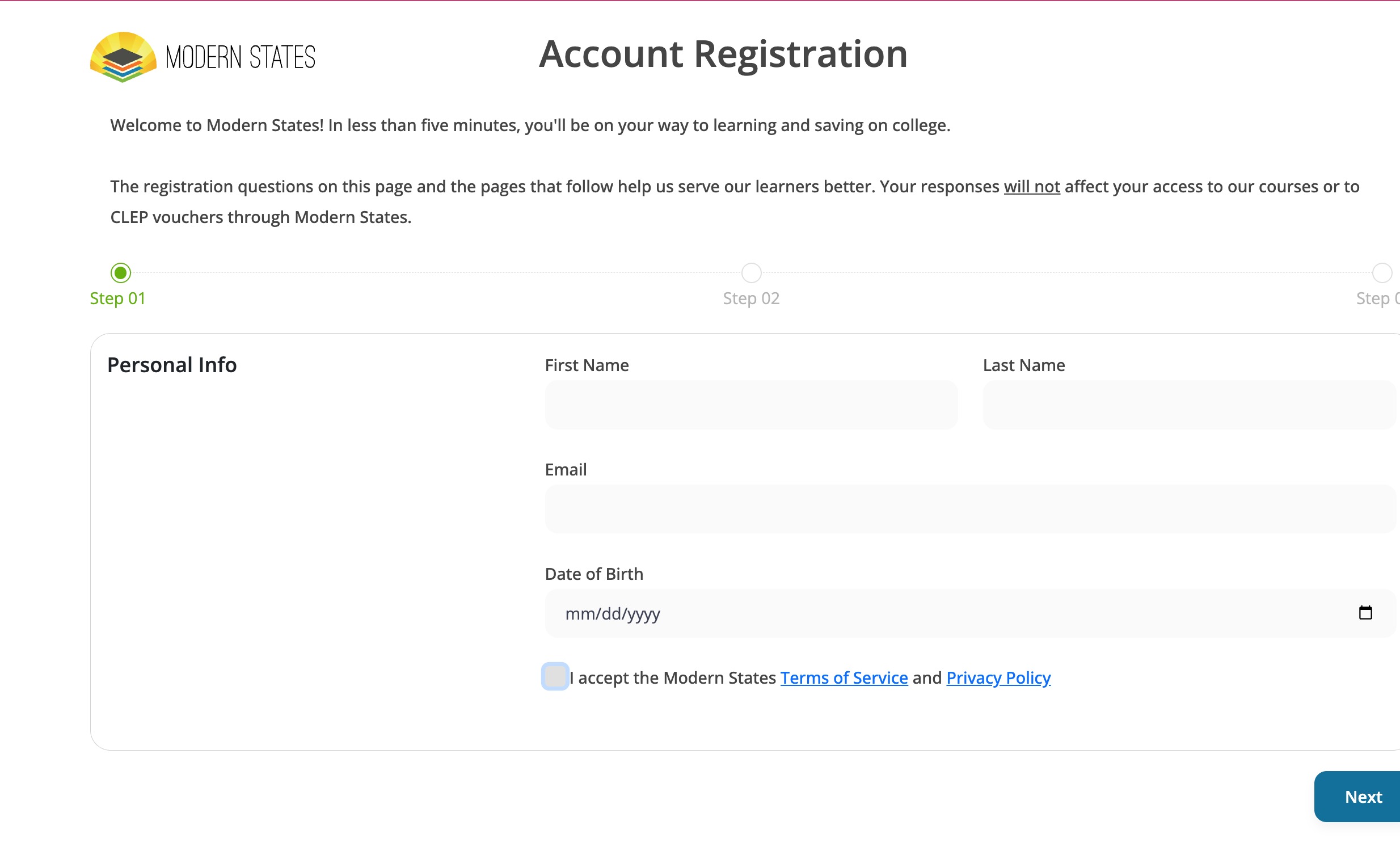
— or —Go directly to register.modernstates.org
Complete the Account Registration
Check your email to set your password
Your information is used only to support your learning journey and is never shared externally.
Once your password is set, you’re ready to log in.
2. Log in to the Learning Management System (LMS)
After signing up, logging in takes you to the LMS, where all courses live.
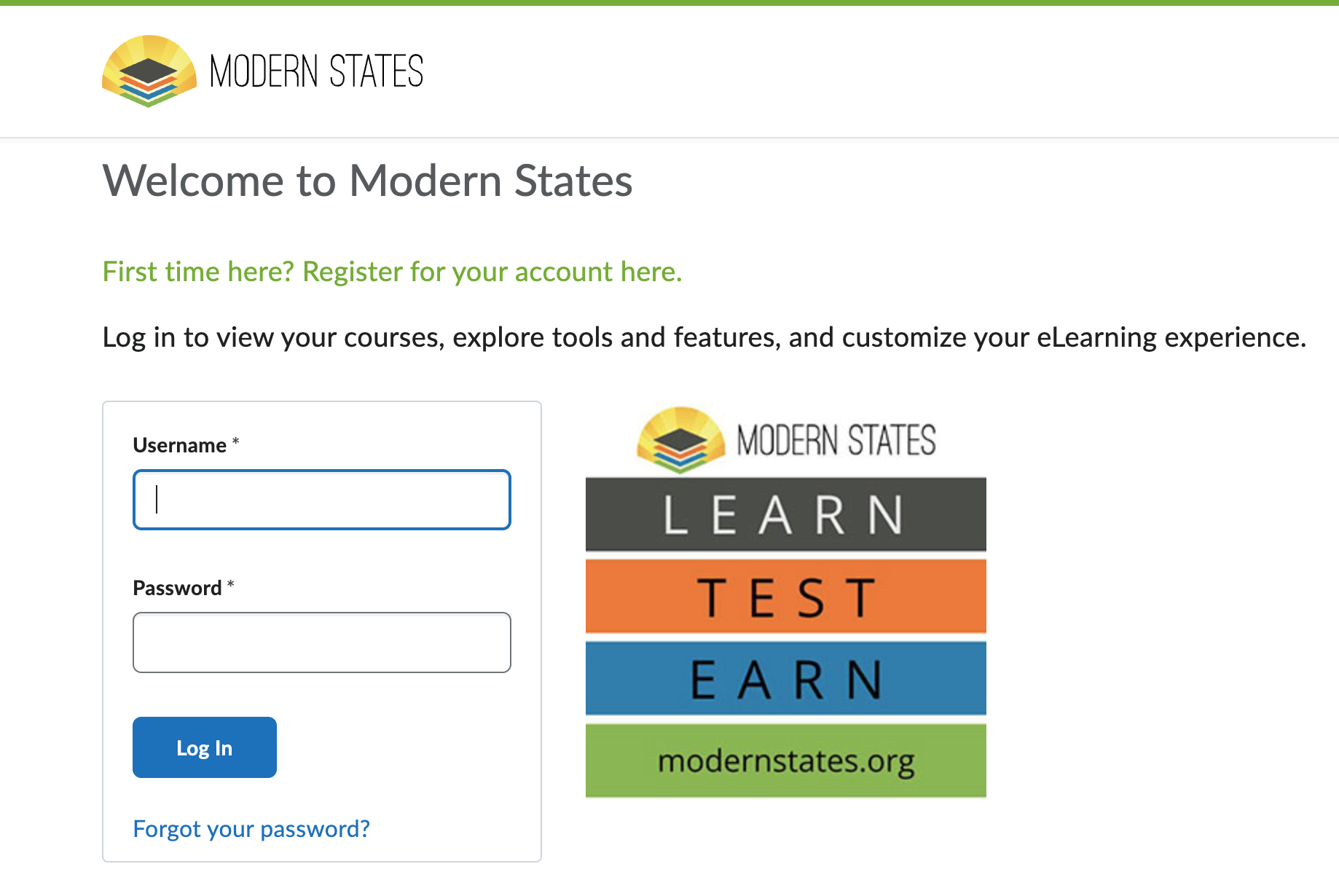
Go to modernstates.org and click Log In
— or —
Go directly to learn.modernstates.org
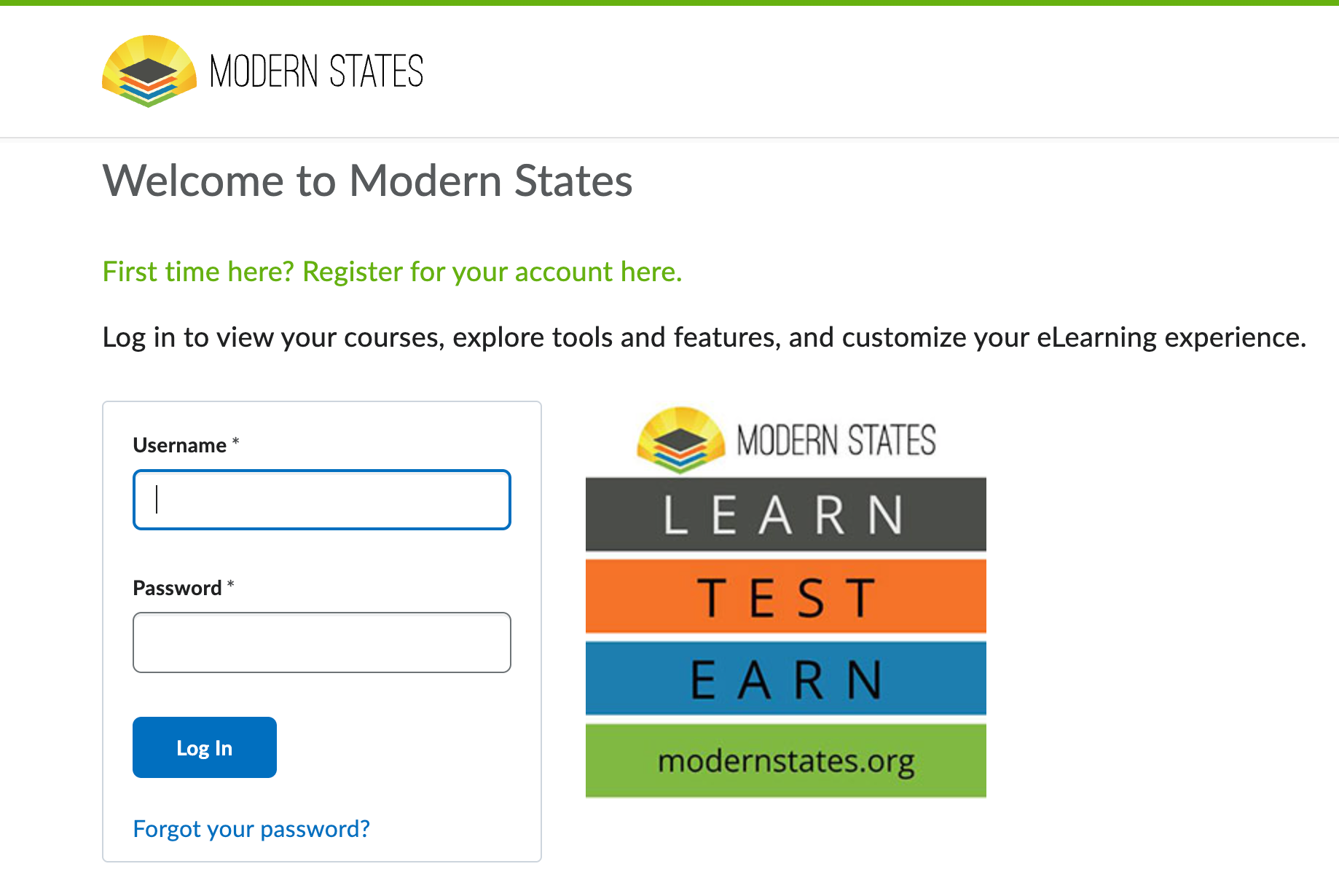
Enter your email and password
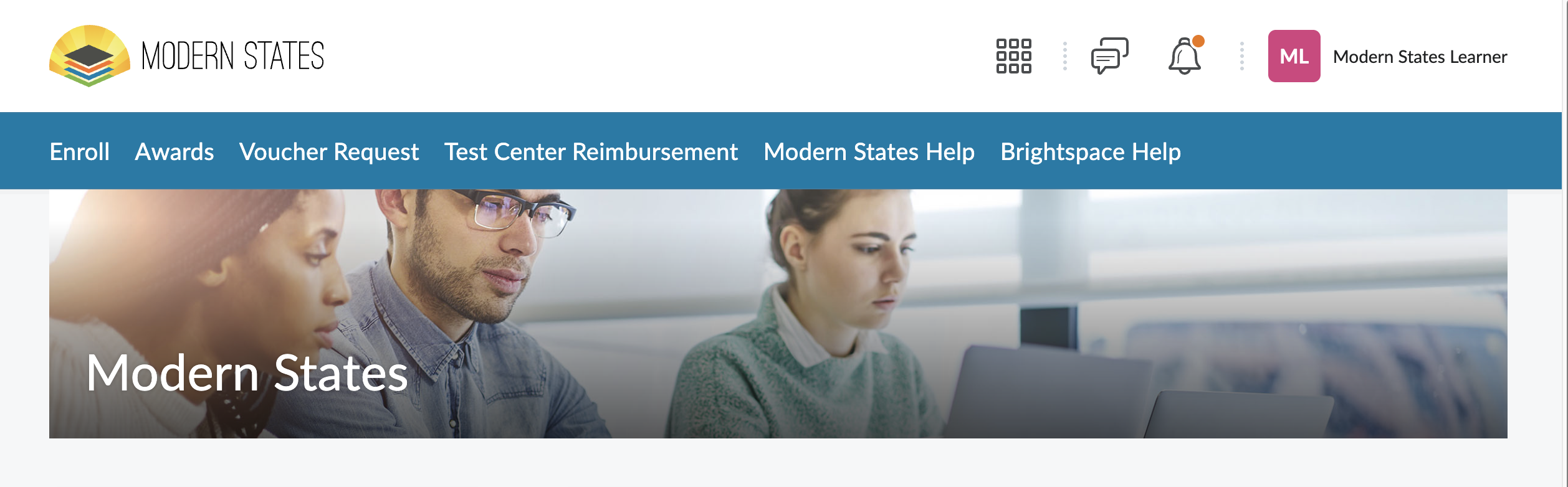
You’ll know you’re in the right place when you see:
A blue navigation bar across the top
The Modern States logo in the upper left
This is your course dashboard.
3. Find a course to enroll in
To browse available courses:
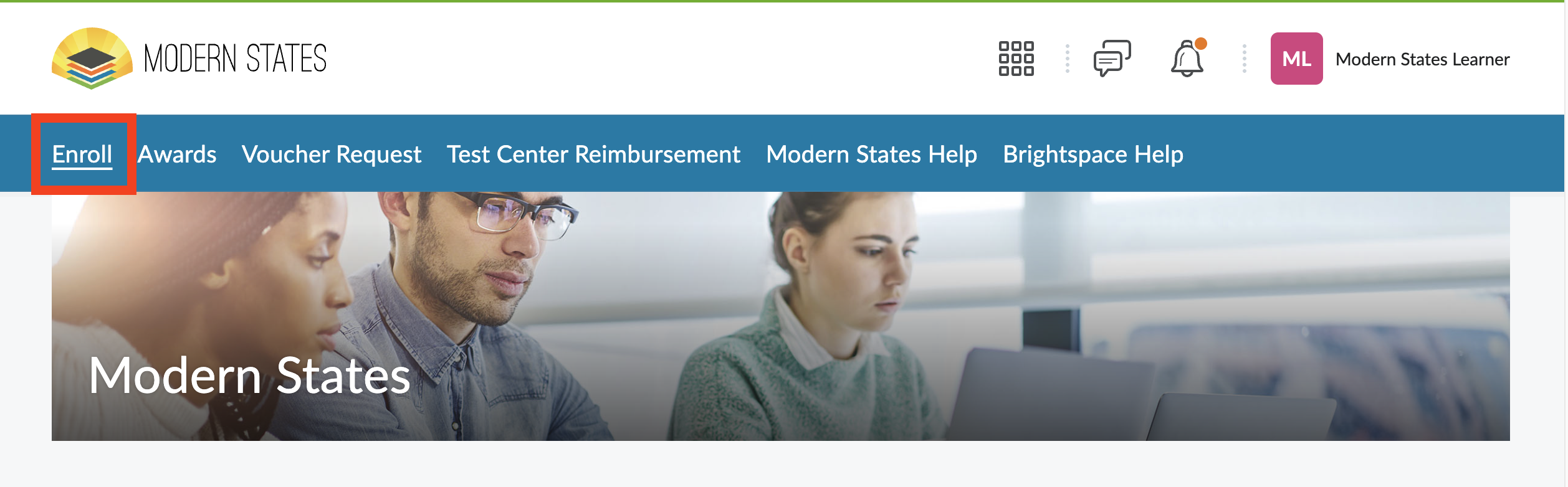
Click Enroll in the top navigation bar
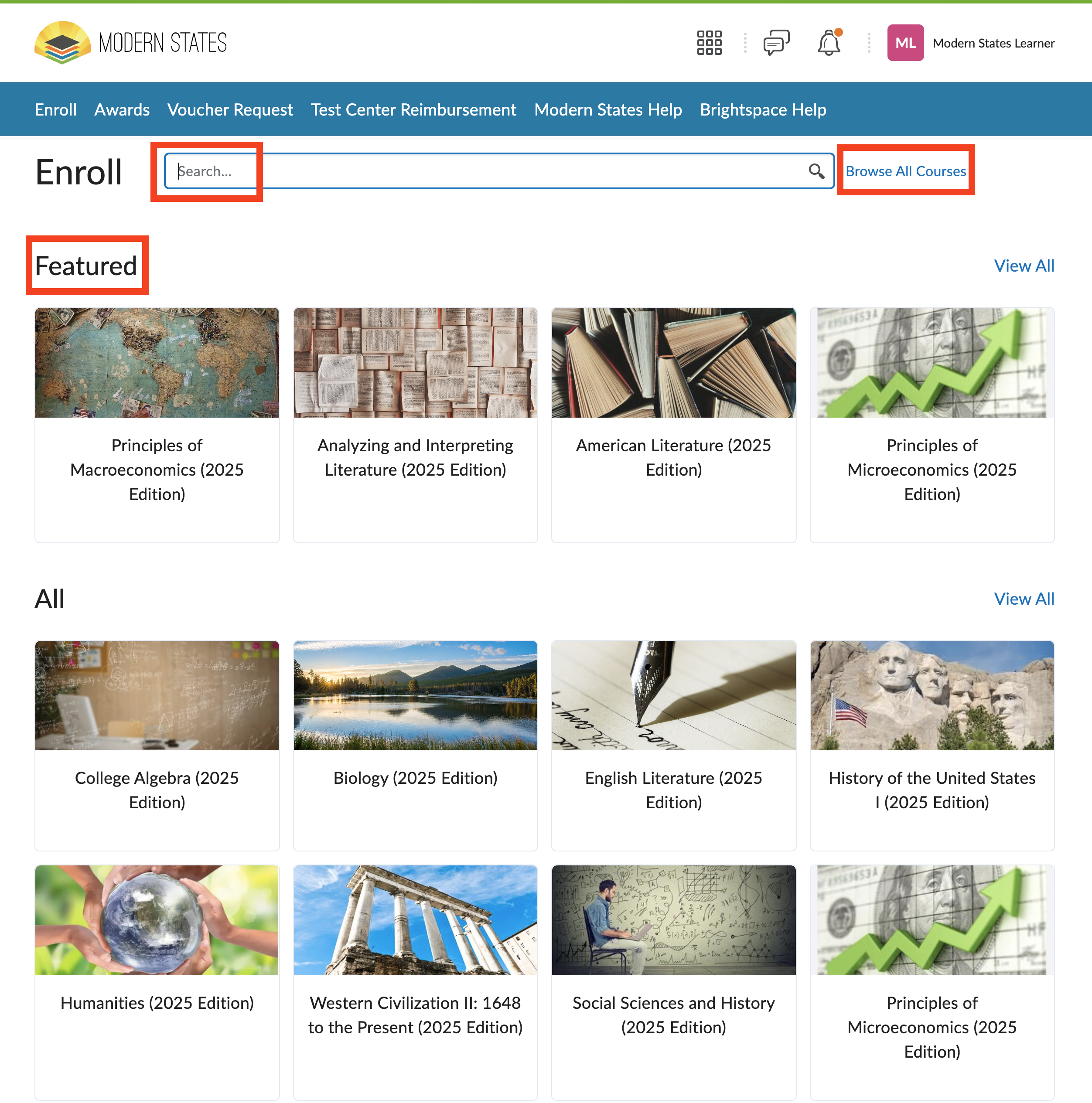
Explore the course catalog
You can:
Use the search bar if you know the course name
Browse Featured Courses
Click Browse All Courses to see all available options
Modern States currently offers 32 courses, each aligned to a CLEP exam.
4. Enroll in a course
When you find a course you want to take:
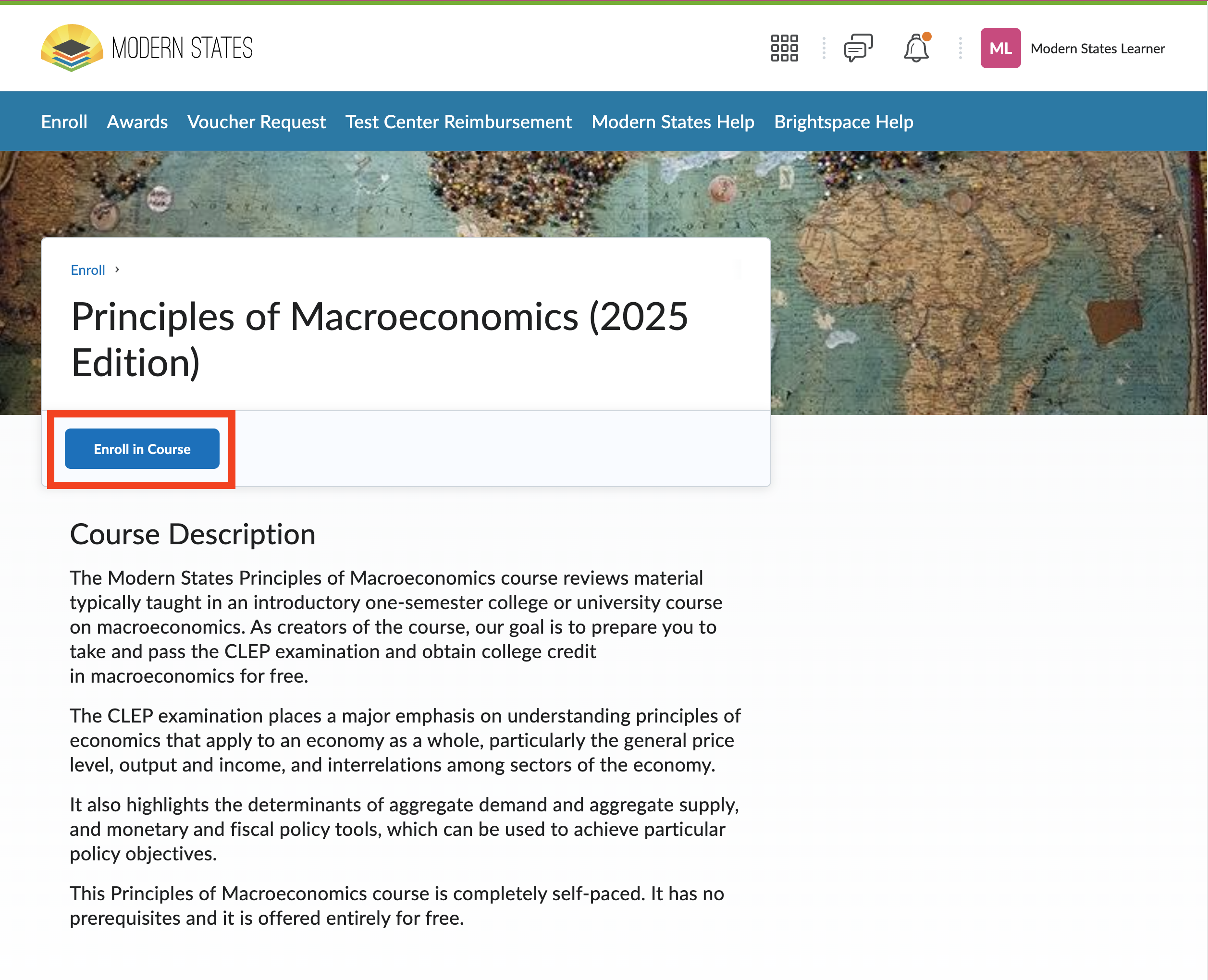
Click the course name
Review the course description and CLEP alignment
Click the Enroll in Course button
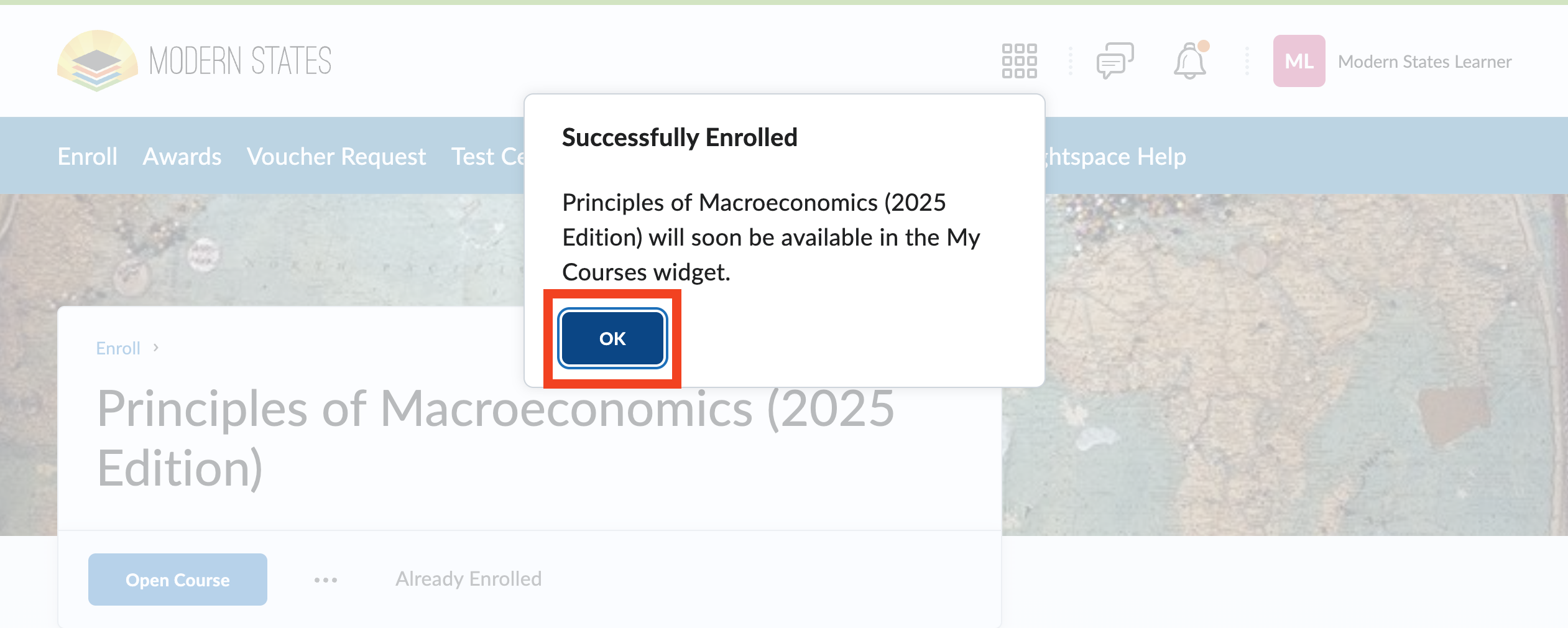
You’ll enroll immediately — no payment required.
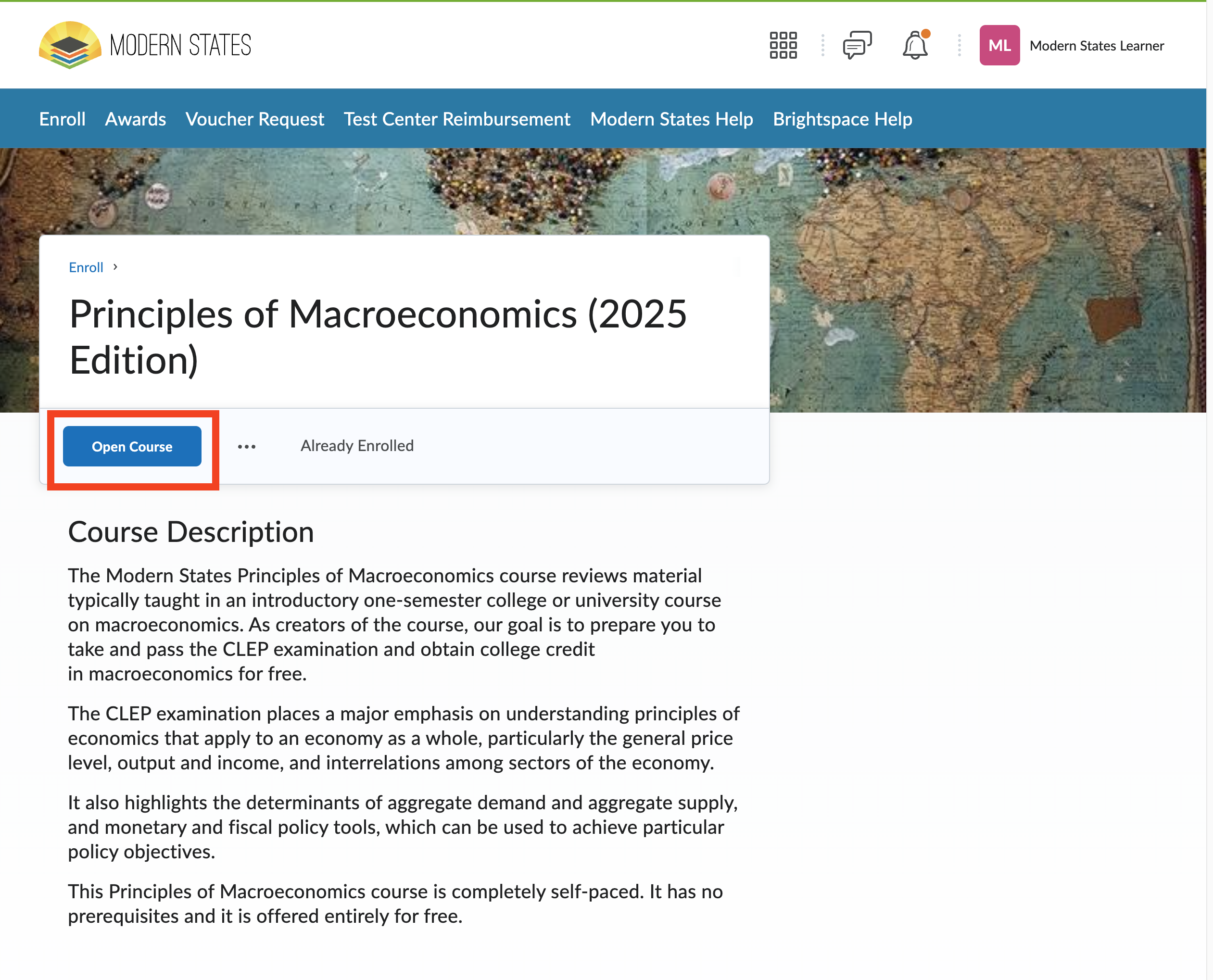
Once enrolled, the button will change to Open Course, confirming that enrollment was successful.
5. Open and return to your course
To start or continue your course:
Click Open Course from the course page
— or —
Use the waffle menu (nine-dot icon) at the top of the screen
Using the waffle menu
The waffle menu shows all courses you’re enrolled in.
Click the waffle icon
Scroll or search for your course
Click the course name to return to it
This is the fastest way to switch between courses.

Navigate your course homepage
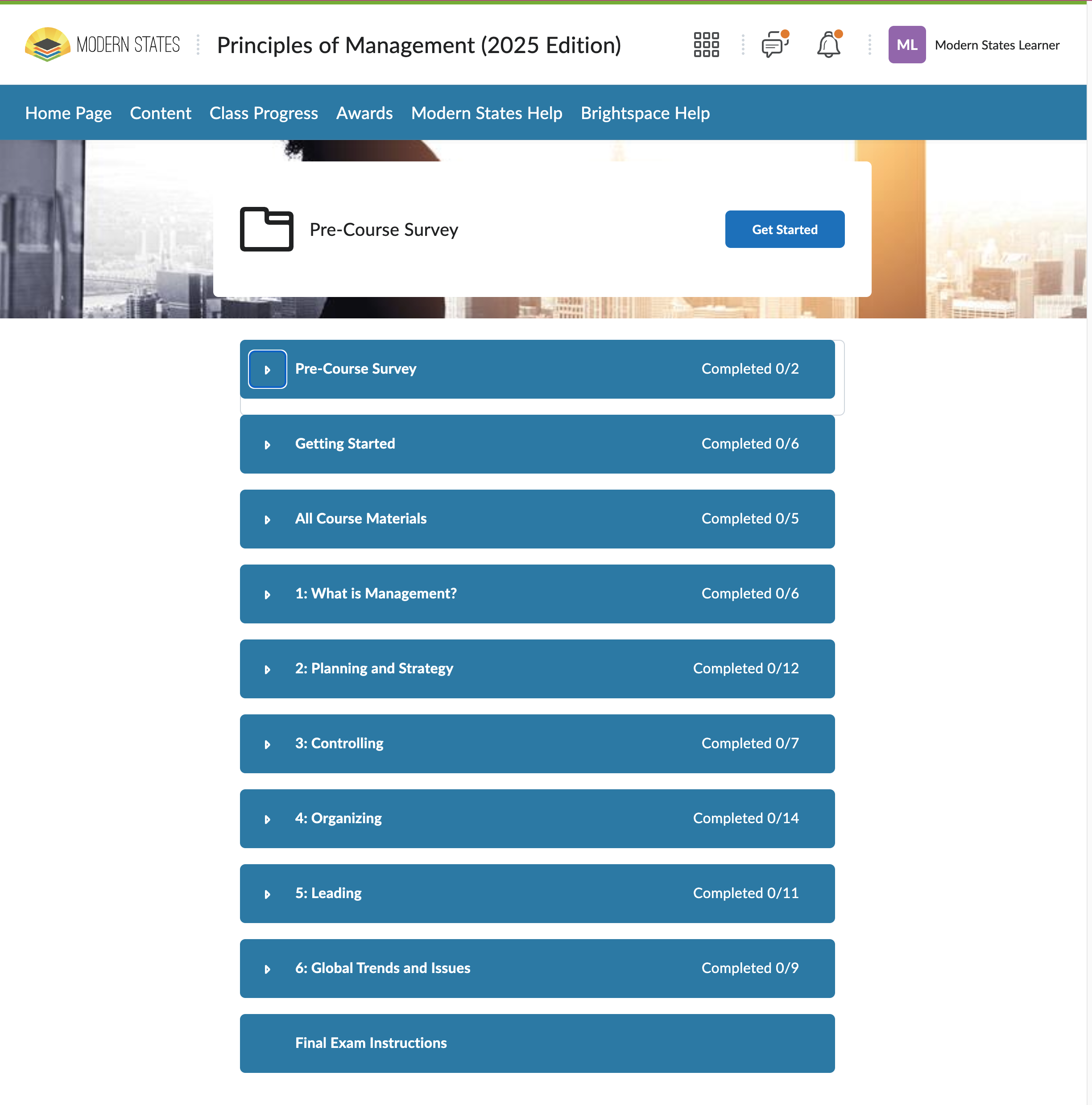
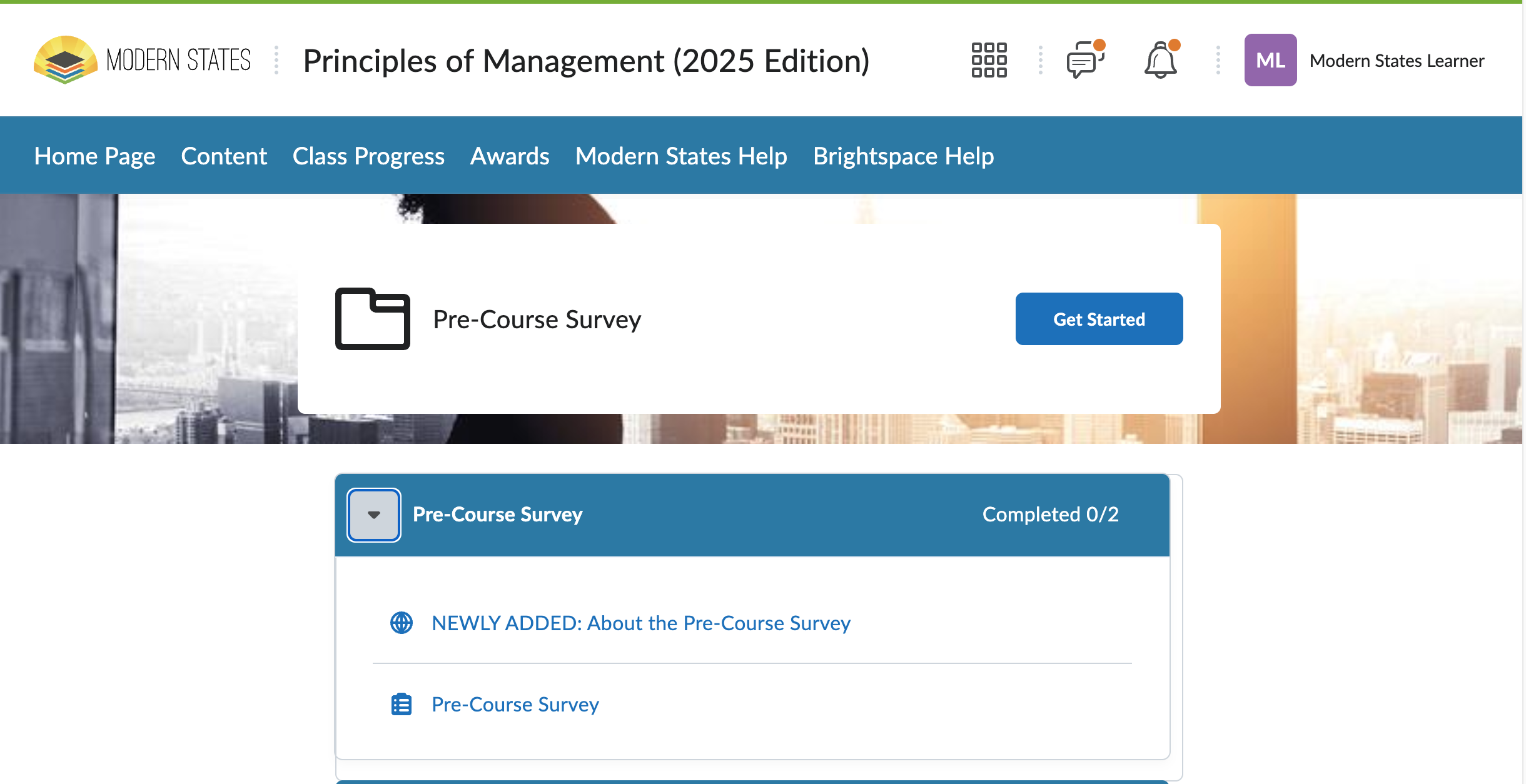
Your course homepage includes:
A table of contents with modules
Topics such as videos, readings, and quizzes
A caret (▸) next to each module to expand its contents
As you complete items, you’ll see checkmarks showing your progress.
Every course begins with a Pre-Course Survey, followed by learning modules and quizzes that help you prepare for the final exam.
Track progress and unlock your voucher
Your course progress determines when you can unlock:
The Final Exam
Your CLEP exam voucher
To earn a voucher, you must:
Attempt all “Check for Understanding” quizzes
Earn an average quiz score of 75% or higher
Score 75% or higher on the Final Exam
Tip:
The Grades Progress page is the only place that shows your true average for voucher eligibility.
Use your voucher to register for your CLEP exam
After you unlock your voucher
Once you earn your voucher, you'll receive an email from Modern States with:
- Your unique voucher code
- Instructions for registering with College Board
- Your voucher expiration date
Tip: If 2 business days have passed since submitting your voucher request and you still can't locate your voucher code, you may be able to resolve this without contacting support. Use our self-service tool to have your code resent directly to your registered email address. Can't Find Your Voucher Code(s)?
Register for your CLEP exam
To use your voucher:
- Go to clep.collegeboard.org
- Sign into your College Board account (or create one if you don't have one)
- You may already have an account if you've taken SAT, AP, or PSAT exams
- Click Register for an Exam
- Select your exam and click Add to Cart
- In your shopping cart, look for "Are you using a voucher?" and select Yes
- Enter your Modern States voucher code
- Select a test center or remote proctoring option. Complete your registration
Your subtotal should show $0.00 when your voucher is applied correctly.
Important:
- Your Modern States voucher covers the CLEP exam fee
- Voucher is valid only for the earning learner and specific exam issued for
- You'll still pay a test center fee (typically $20–30) at most locations
- Remote proctoring is covered by your voucher, but has strict technical requirements
- Save your test center receipt as you may be eligible for test center fee reimbursement
Schedule your exam
After registering, contact your chosen test center to schedule your exam date and time. Many test centers require you to call to finalize scheduling
Get help anytime
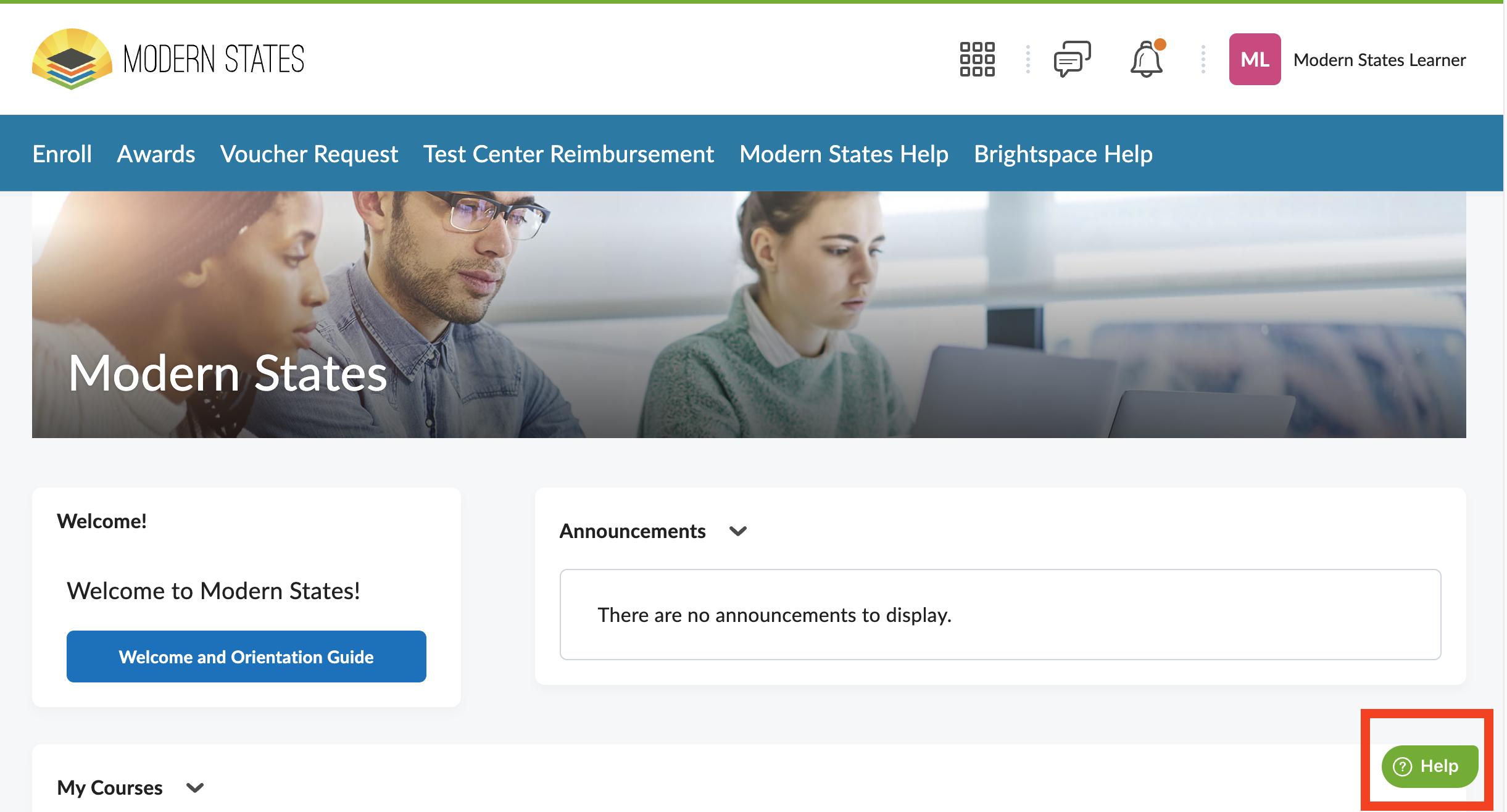
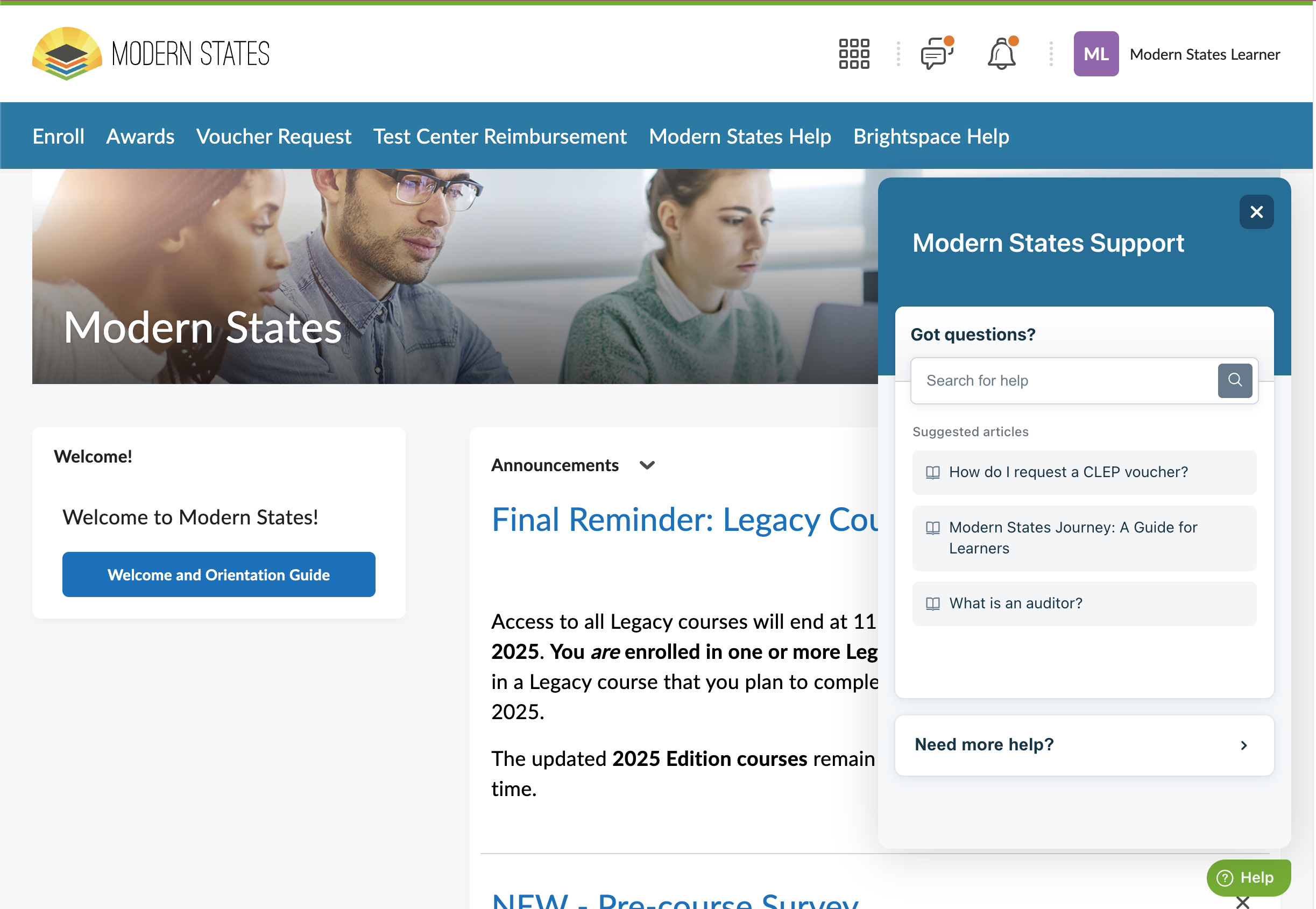
Support is available throughout the platform.
You can:
Click Modern States Help in the top navigation
Use the Help widget on any page
Visit the Knowledge Base for step-by-step guides
If you ever feel unsure, you’re not stuck — help is built in.
Start small, then build momentum
You don’t need to do everything at once.
Start by:
Enrolling in one course
Completing the first module
Checking your Grades as you go
Each step builds confidence and brings you closer to earning college credit — for free.
Support and Resources
Click here for our knowledge base
Click here for further assistance
|




Was this article helpful?
That’s Great!
Thank you for your feedback
Sorry! We couldn't be helpful
Thank you for your feedback
Feedback sent
We appreciate your effort and will try to fix the article